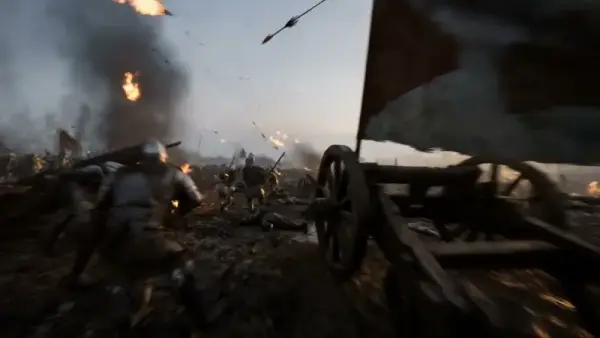
Overview
Veo 3.1 Fast is the speed- and cost-optimized variant of Google DeepMind's Veo 3.1 video model. Like the rest of the Veo 3 family, it generates audio natively — producing synchronized dialogue, sound effects, and ambient audio alongside the visuals in a single pass. The model generates video at up to 1080p in two aspect ratios (16:9 and 9:16) and accepts up to two frame images for image-to-video generation, enabling first-frame and last-frame control.
Use cases
Cinematic content where audio is integral — nature documentaries with ambient sound, product reveals with impact effects. Social reels and vertical video with native sound design. Image-to-video with start and end frames for controlled animation arcs. Dialogue scenes and character-driven narratives with synchronized speech.
All parameters are passed in the input object of the run request.
| Parameter |
Required |
Description |
| prompt |
Yes |
Text description (1–5000 chars) |
| aspect_ratio |
No |
Default 16:9. Options: 16:9, 9:16 |
| resolution |
No |
Default 720p. Options: 720p, 1080p |
| image_urls |
No |
Up to 2 frame images (max 10 MB each) for image-to-video |
Prompt tips
Describe the soundscape in your scene
Veo 3 generates audio natively. Prompts that imply sound — "rain on a tin roof," "crowd cheering in a stadium," "whispered conversation" — produce richer, more immersive output than purely visual descriptions.
Use two images for motion arcs
Upload a first-frame image and a second image as the end state. Veo 3 interpolates between them, giving you control over both the starting composition and the final pose or framing.
Be specific about camera behavior
Phrases like "slow tracking shot," "static wide angle," or "handheld close-up" translate directly into camera movement. Vague prompts yield generic motion.
Limitations
- Only 2 aspect ratios (16:9 and 9:16) — no square or ultrawide options
- No duration parameter — the model determines clip length automatically
- No resolution below 720p available
- Generation time can be longer than competing models
- No
generate_audio toggle — the model does not expose an option to control audio output
FAQ
Can I disable audio generation?
No. Veo 3 Fast always generates audio natively and does not expose a generate_audio toggle to turn it off. (Some other models, such as ByteDance's Seedance, do provide a generate_audio switch.)
Can I control the video duration?
No. Veo 3 does not expose a duration parameter. The model determines clip length based on the prompt content. Typical outputs range from a few seconds to around 8 seconds.
How do the two frame images work?
The first image sets the opening frame; the second sets the target end state. The model generates video that transitions between them. You can also provide just one image to anchor the starting frame only.