Overview
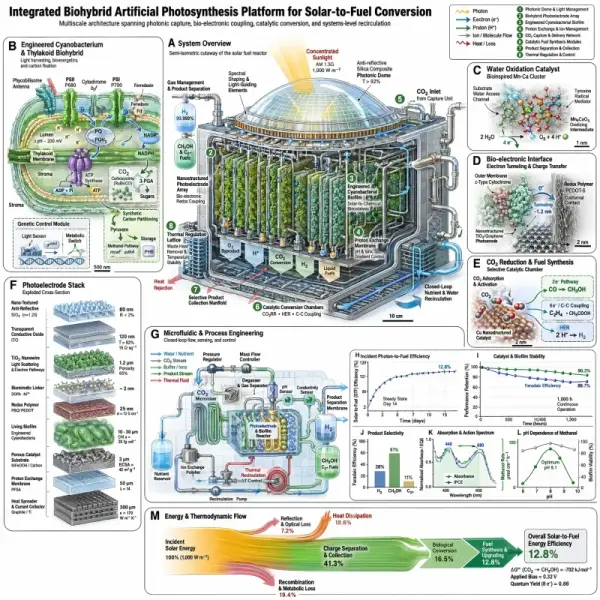
GPT Image 2 is OpenAI's flagship image generation model, released in April 2026. It's one of the first image models with built-in reasoning — the model plans composition and verifies prompt constraints before generating. It supports multilingual text rendering across scripts including CJK, Hindi, and Bengali, making it well-suited for global creative work. It supports up to 4K output and is accessible through the GPT Image 2 API.
Use cases
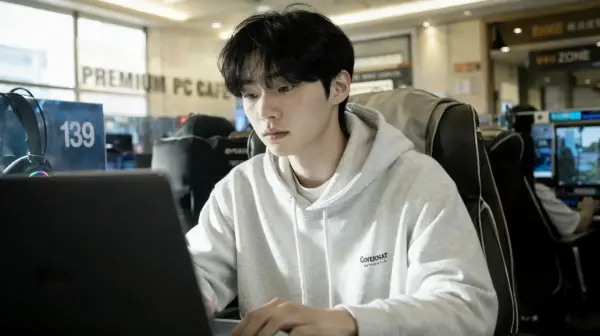
Product photography with accurate lighting and materials. Campaign and editorial visuals where photorealism and fine detail matter. Infographics, UI mockups, and poster designs that require legible embedded text. Reference-guided editing — upload up to 4 images to steer style, color palette, or composition.
All parameters are passed in the input object of the run request.
| Parameter |
Required |
Description |
| prompt |
Yes |
Text description of the image to generate (1–4000 chars) |
| aspect_ratio |
No |
Output aspect ratio. Default 1:1. Options: 1:1, 2:3, 3:2, 3:4, 4:3, 4:5, 5:4, 9:16, 16:9, 21:9 |
| resolution |
No |
Output resolution. Default 1K. Options: 1K, 2K, 4K (4K only with 16:9, 9:16, or 21:9) |
| image_urls |
No |
Up to 4 reference images (max 4 MB each) for image-to-image generation |
Prompt tips
GPT Image 2 prompts: describe materials and lighting
GPT Image 2 responds well to physical descriptions. "Matte ceramic vase on a walnut table, soft window light from the left" consistently outperforms "a vase on a table."
Pair 4K with widescreen ratios
4K output is restricted to 16:9, 9:16, and 21:9. For maximum detail in landscape or ultra-wide compositions, combine resolution: "4K" with one of these ratios.
Use reference images for style consistency
Provide reference images that closely match your target style — the model uses them to guide color palette and composition rather than extrapolating from distant references.
Limitations
- Small text in images may need iteration for accuracy
- Complex hands, logos, and precise layout constraints should be reviewed manually
- 4K resolution only available with 16:9, 9:16, or 21:9 aspect ratios
- Maximum 4 reference images per request, 4 MB each
- Prompt length capped at 4000 characters
FAQ
What aspect ratios does GPT Image 2 support?
Ten options: 1:1, 2:3, 3:2, 3:4, 4:3, 4:5, 5:4, 9:16, 16:9, and 21:9. The default is 1:1.
Does GPT Image 2 support 4K?
Yes — 1K, 2K, and 4K are available. 4K is limited to 16:9, 9:16, and 21:9 ratios.
Can I edit existing images?
Yes. Upload up to 4 reference images via image_urls to guide the generation with your own visuals.
GPT Image 2 vs Nano Banana Pro
GPT Image 2 is OpenAI's flagship with built-in reasoning - it plans composition and verifies prompt constraints before generating - and strong multilingual text rendering including CJK. Nano Banana Pro is Google's highest-fidelity model on Gemini 3 Pro, with 4K output, 11 aspect ratios, and up to 8 reference images. Choose GPT Image 2 for reasoning-driven composition and multilingual text; choose Nano Banana Pro for 4K via API and reference-guided editing with more images.
GPT Image 2 vs GPT Image 1.5
GPT Image 2 is the newer flagship with built-in reasoning and improved multilingual text rendering. GPT Image 1.5 is the prior generation - capable but without the planning/verification step. Choose GPT Image 2 for complex prompts that benefit from reasoning; GPT Image 1.5 suits simpler generation where reasoning overhead is not needed.
How to use GPT Image 2
Two ways on Runbase: use the Playground at the top of this page to generate instantly with a prompt and optional reference images, or call the API by POSTing to /api/v1/runs with model: "openai/gpt-image-2" and an input object containing prompt (required), aspect_ratio, resolution, and up to 4 image_urls. New accounts receive free credit on signup to try it. See the API tab for full code samples.
How much does GPT Image 2 cost?
GPT Image 2 is priced per generated image across three resolution tiers: 1K (cheapest), 2K, and 4K (highest). See the Pricing section above for current per-image rates.
Is GPT Image 2 free?
It is pay-as-you-go rather than free, but new Runbase accounts receive free credit on signup that works toward GPT Image 2 and other models. Once the credit is used up, you pay per generation at the rates shown in the Pricing section.