

GPT Image 2.5
openai/gpt-image-2.5GPT Image 2.5 image generation API by OpenAI — Flare and Sunburst versions with up to 4K output, 13 aspect ratios, and reference-image editing.
GPT Image 2.5 Pricing
Runbase bills GPT Image 2.5 per image, by output resolution. Flare and Sunburst cost the same. No tokens to count, no subscription.
Resolution is the only parameter that changes the price — aspect ratio, reference image count, and prompt length do not. Balance is deducted when a run is submitted and refunded automatically if it fails.
- Generate and iterate at 1K for $0.05, then re-run the winning prompt at 4K — you only pay the 4K rate on the image you keep.
- Flare and Sunburst are the same price, so pick on latency and editing control rather than cost.
- Failed runs are refunded automatically, so you only pay for images you actually receive.
What Is New in ChatGPT Images 2.5
OpenAI released ChatGPT Images 2.5 on September 8, 2026. Below is what the model does, and what you can actually control through the Runbase API.
Up to 50% Lower Latency
OpenAI reports image generation latency reduced by up to 50% versus Images 2.0, and describes the Flare variant as delivering higher-quality images than GPT-Image-2 at 50% lower latency.
Sharper Detail, Natural Lighting
The model is described as producing more natural lighting and richer textures with sharper detail, and as handling more complex layouts — including transparent backgrounds.
Better Subject Preservation
Reference photos hold up better across generations — the model preserves the subject you supply instead of drifting toward a generic likeness.
More Reliable Multi-Turn Editing
Editing instructions are followed more reliably across multiple turns, so a sequence of corrections converges instead of undoing earlier work.
13 Aspect Ratios up to 4K
Through Runbase you pick an aspect ratio and a 1K / 2K / 4K resolution, and pass up to 4 reference images for editing. Both versions accept the same parameters.
GPT Image 2.5 Gallery
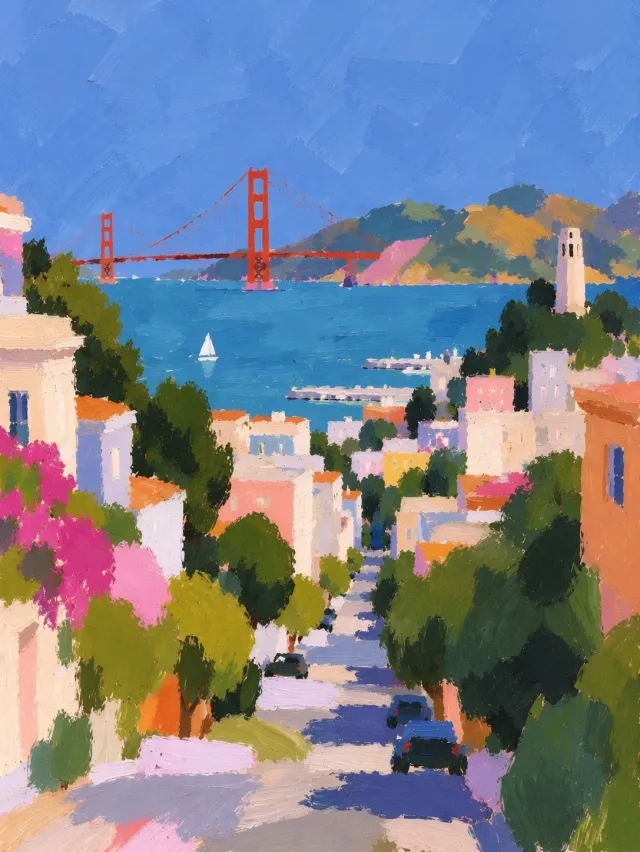
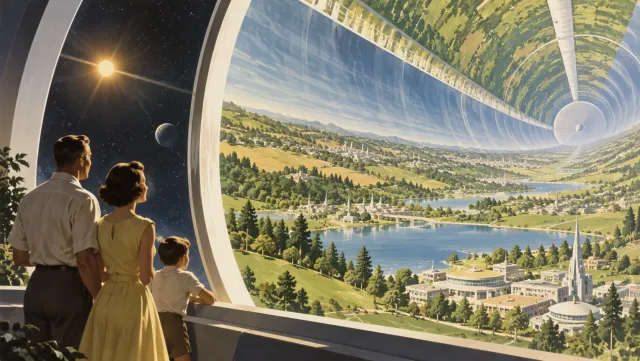
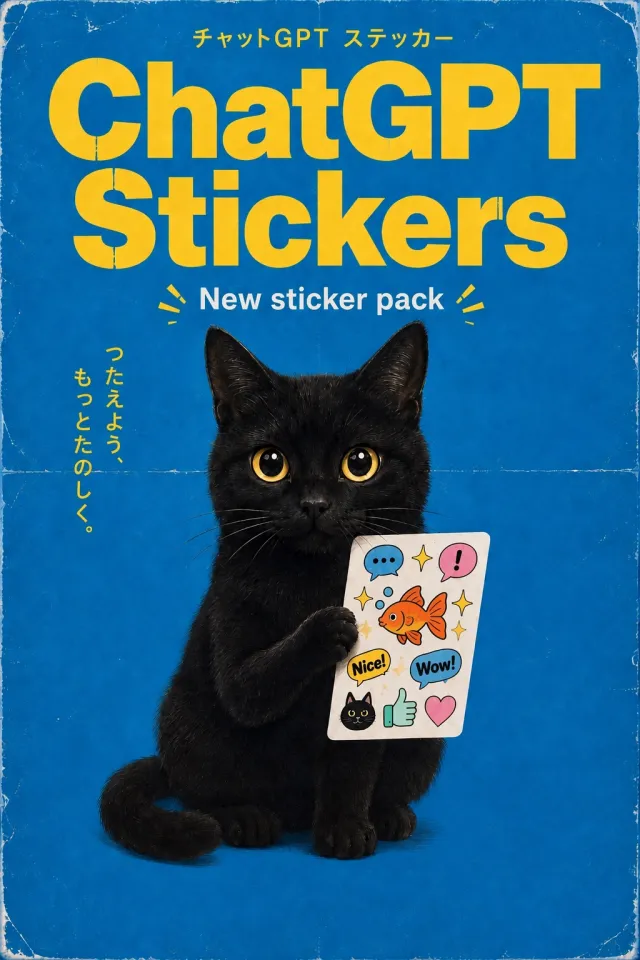
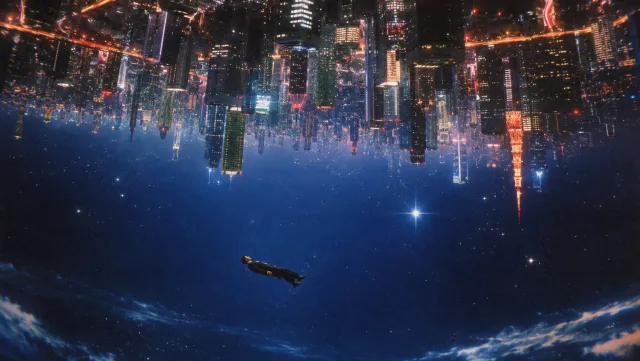
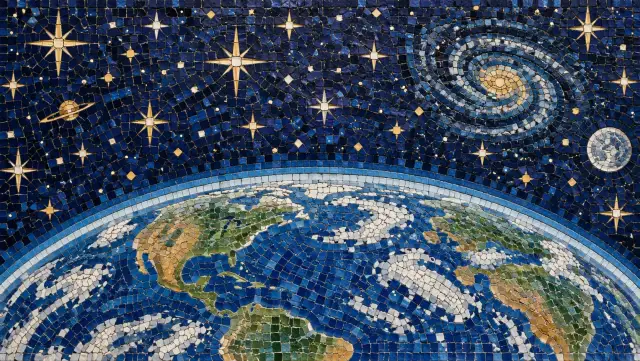
Images from OpenAI's ChatGPT Images 2.5 announcement, showing typography, fine detail, complex layouts, and style control.
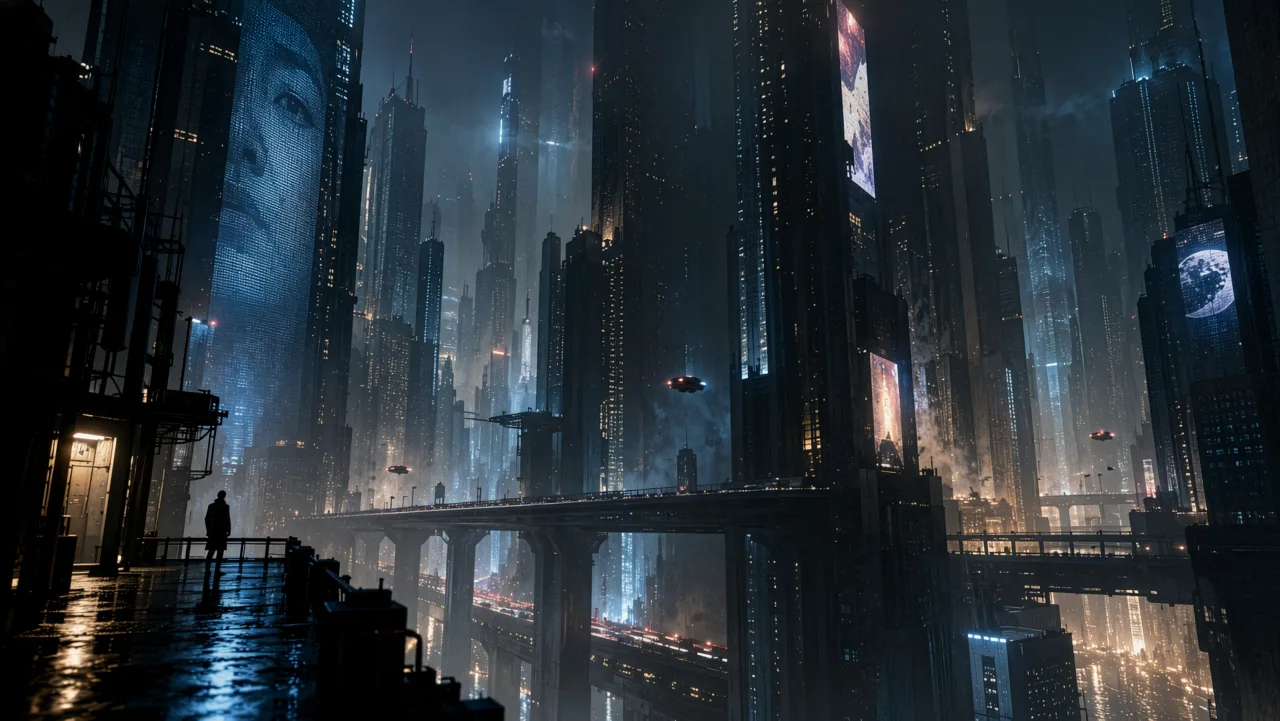
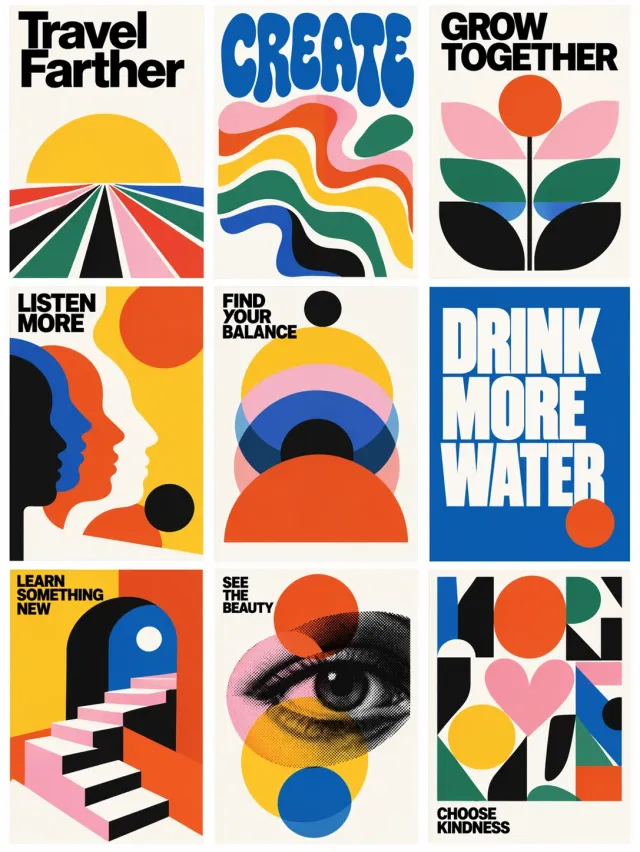
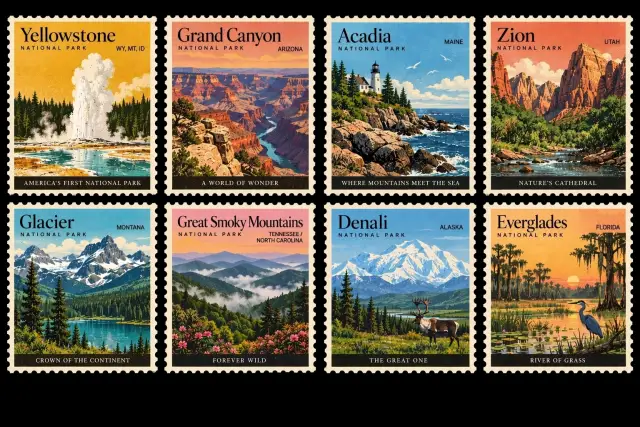
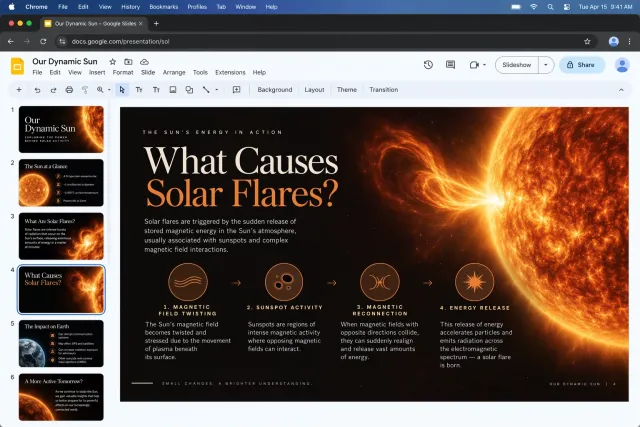


GPT-Image-2.5 Flare vs Sunburst
GPT Image 2.5 is not a single model ID. OpenAI publishes two versions that share the same endpoints and parameters but target different workloads. On Runbase you switch between them with the variant parameter.
| Version | Speed | Built For |
|---|---|---|
| gpt-image-2.5-flare | 50% lower latency than GPT-Image-2 | Default choice — creator content, social, product experiences, visual search, high-volume generation |
| gpt-image-2.5-sunburst | Longer generation time | Premium workflows needing tight editing control — campaign creative, polished product imagery |
Positioning per OpenAI's model cards. Both versions are dated 2026-09-08 and cost the same on Runbase, so the choice is about latency and editing control, not cost.
GPT Image 2.5 use cases
GPT Image 2.5 covers both ends of image work: fast generation at volume, and careful multi-turn editing of a single asset.
Product imagery
Feed a product photo as reference and iterate on backgrounds, lighting, and framing without losing the product itself.
Campaign and social creative
Generate variants at volume with Flare, then finish the selected asset with Sunburst where edit precision matters.
Targeted retouching
Pass the image you want changed as a reference and describe the edit — the model applies it while keeping the rest of the frame intact.
Reference-driven characters
Improved subject preservation makes it practical to keep one person or mascot consistent across a set of images.
How to Use the GPT Image 2.5 API on Runbase
GPT Image 2.5 is live on Runbase as openai/gpt-image-2.5. Both versions run on the same async task API as every other model here.
- 1
Create Your Runbase Account
Register or sign in to manage API credentials, balance, usage, and the models available through Runbase.
- 2
Generate an API Key
Create a key and store it securely. The same key covers authentication, async task submission, callbacks, and media storage.
- 3
Pick Flare or Sunburst
Both versions cost the same on Runbase, so choose on latency and editing control: Flare for volume and speed, Sunburst for precise multi-turn edits.
- 4
Submit a Generation Task
Send your prompt with aspect_ratio and resolution, plus reference images when you are editing. The API returns a task ID right away.
- 5
Collect the Result
Poll the task or register a callback URL, then read the image URLs from the finished task.