

Qwen Image 3.0
qwen/qwen-image-3Qwen Image 3.0 (Qwen-Image-3.0-Pro) is Alibaba's advanced image generation model for realistic visuals, structured layouts, rich detail, and high-quality typography. Generate and edit images with accurate small text, multilingual rendering, and complex compositions through one Qwen Image 3.0 API.
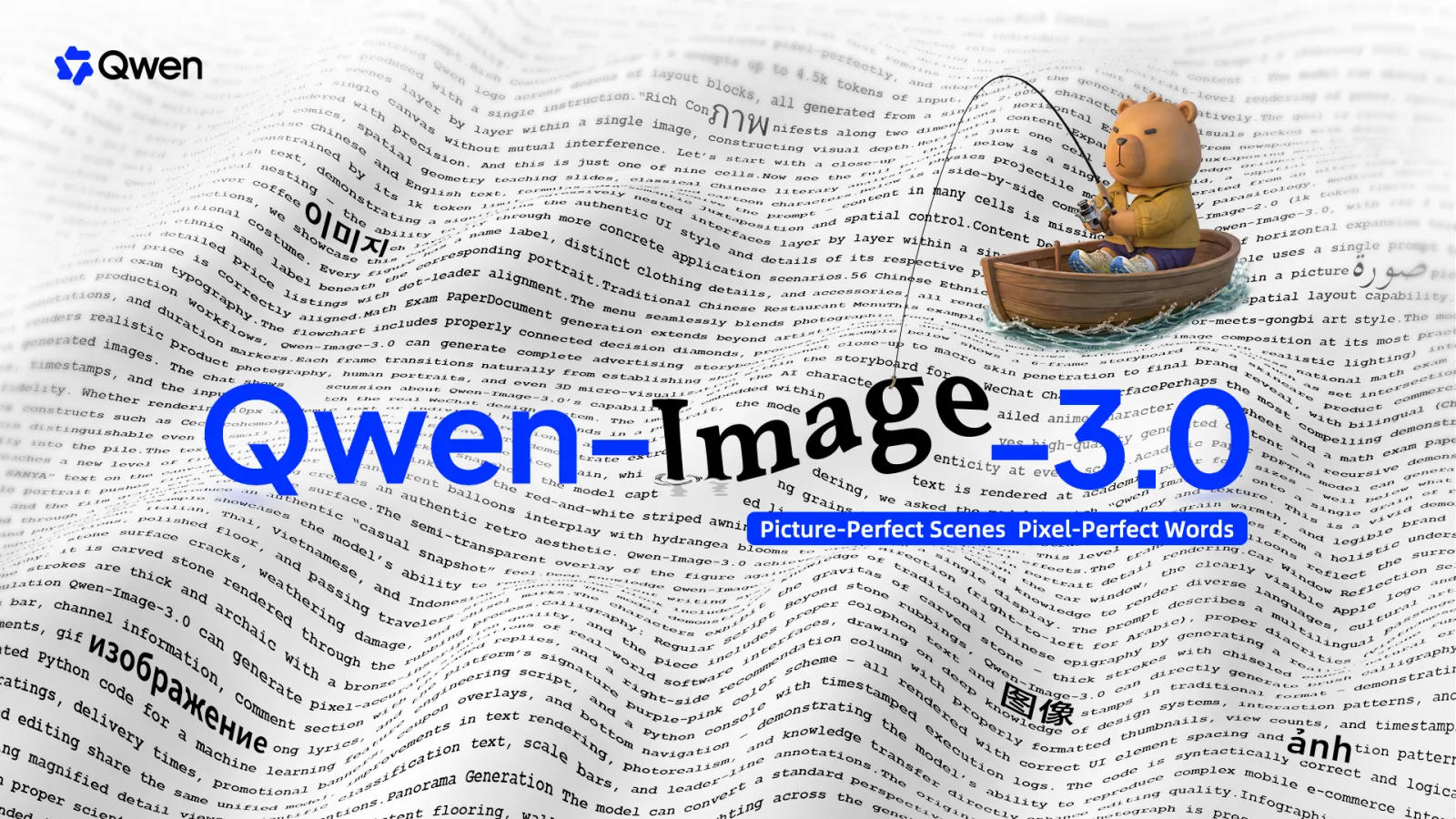
The Power of the Qwen Image 3.0 API
Qwen-Image-3.0-Pro turns complex instructions into information-rich, print-ready visuals with precise text and lifelike detail.
Rich Content Generation
Accept up to 4.5K token inputs to create newspapers, storyboards, exam papers, and detailed infographics in a single workflow.
Authentic Details
Deliver highly realistic visuals with precise text rendering — even 10px text — plus natural skin, hair, and material textures.
Multilingual Rendering
Render native text across 12 languages, backed by broad world knowledge for interfaces, game assets, and knowledge-rich content.
Complex Layouts
Understand multi-element instructions and organize them into structured visual compositions, ideal for documents and reports.
Image Editing
Edit existing images with prompt-driven changes while preserving composition, proportions, and overall visual identity.
Flexible Resolutions
Output at 1K or 2K across ratios from 1:1 to 21:9, in PNG or JPEG, with optional prompt rewriting and negative prompts.
Qwen Image 3.0 Gallery
Images generated by the Qwen Image 3.0 API, showing typography, portraits, and natural scenes with accurate text.
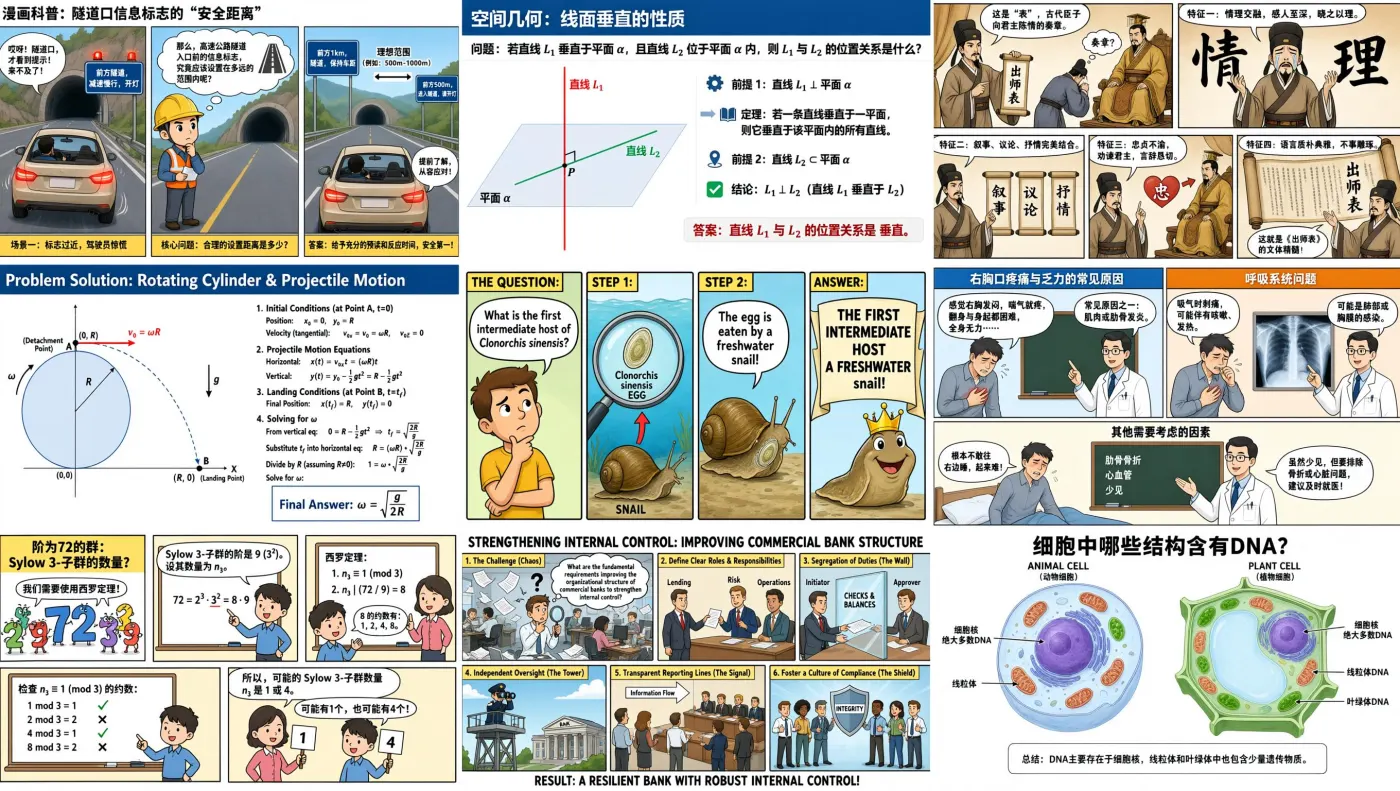

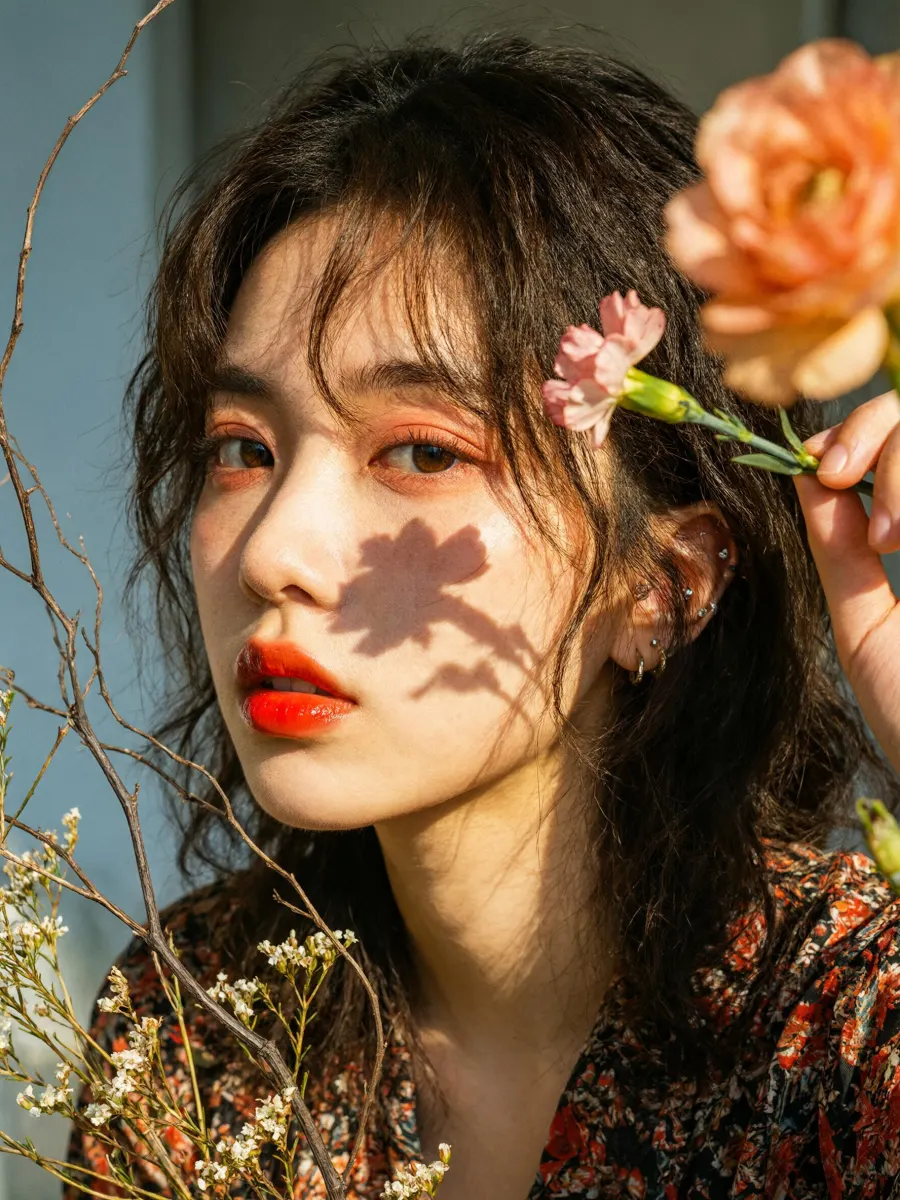
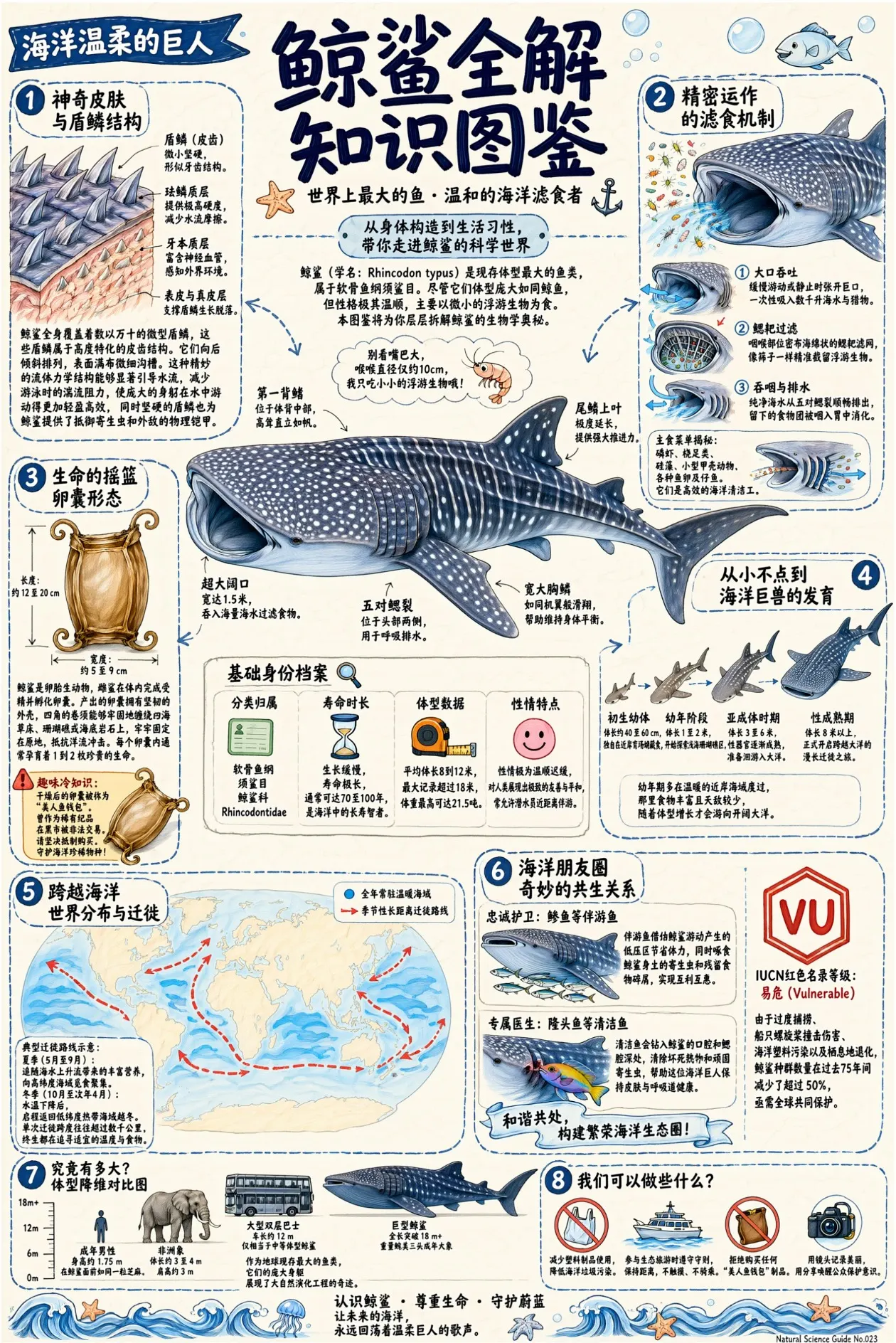
Qwen Image 3.0 use cases
Qwen Image 3.0 turns prompts and reference images into high-fidelity stills — typography-heavy posters, editorial portraits, and product shots.
Typography posters
Posters where the text has to be legible and spelled right — Qwen Image 3.0 handles embedded lettering better than most.
Editorial portraits
3:4 and 2:3 portraits with natural skin and lighting for articles and lookbooks.
Product photography
1:1 and 4:3 product shots with prompt-controlled backgrounds and props.
Reference-guided edits
Feed up to 14 reference images to steer composition, style, or subject.
Qwen Image 3.0 API Pricing
Pay-as-you-go pricing per generated image, by output resolution.
Input images cost $0.0025 per image. High-tier top-ups bring the effective price down to roughly 90% of the listed rates.
- 1K for drafts and web thumbnails, 2K for print or crops — 1K is ~46% cheaper per image.
- You're billed per output image — a 2K poster is $0.078.
- Reference images are billed separately at $0.003 each — keep the count tight for bulk runs.
- Aspect ratio doesn't change the price — only the resolution tier does. Pick the ratio for the layout, 1K/2K for the budget.
Qwen Image 3.0 API
Send a POST request to /api/v1/runs with your API key and input. Generation runs asynchronously — poll the run ID for status, then read the output URLs when it succeeds.
curl -s https://runbase.net/api/v1/runs \
  -H "Authorization: Bearer $RUNBASE_API_KEY" \
  -H "Content-Type: application/json" \
  -d '{
    "model": "qwen/qwen-image-3",
    "input": { "prompt": "A cinematic product photo of a ceramic lamp" }
}'| Parameter | Type | Required | Description |
|---|---|---|---|
| prompt | string | Required | Prompt |
| aspect_ratio | string | Optional | Aspect ratioOptions: 1:12:33:23:44:39:1616:921:9 |
| resolution | string | Optional | ResolutionOptions: 1k2k |
| image_urls | string[] | Optional | Reference images |
How to Use the Qwen Image 3.0 API
Go from free exploration to production in four steps.
- 1
Get Access on Runbase
Create a Runbase account to access the Qwen Image 3.0 API and other leading image models from a single platform.
- 2
Generate Your API Key
Create a Qwen API key from the dashboard. One key integrates the Qwen Image API without managing multiple providers.
- 3
Try Qwen-Image-3.0-Pro in Playground
Experiment directly in Playground before writing code. Test prompts, compare outputs, and refine typography and layout in real time.
- 4
Integrate the API into Your App
Once results look right, integrate the Qwen Image 3.0 API via the REST API for document generation, UI design, e-commerce, and more.