
Runbase provides access to top image and video generation models from multiple providers through a single API.
Browsing models
Visit the Models page to see all available models with pricing, capabilities, and example outputs.
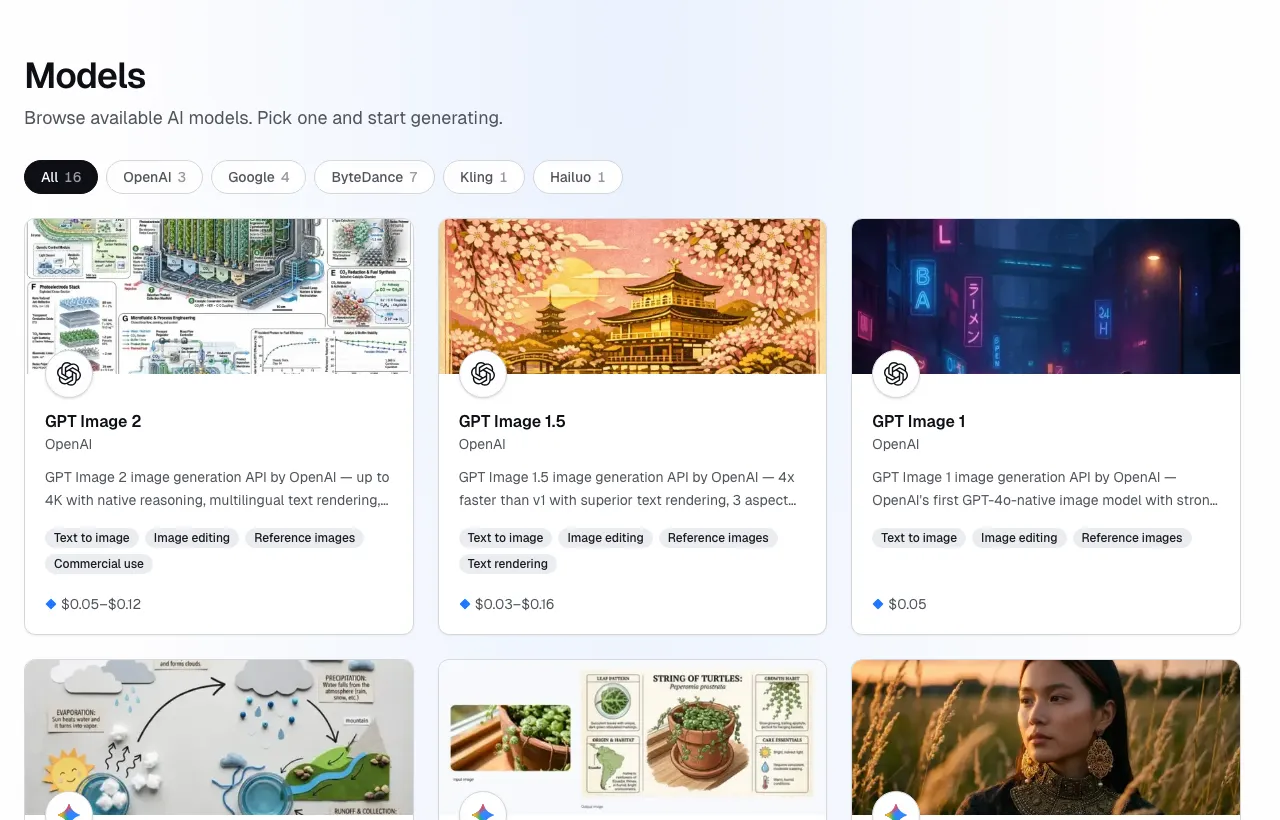
Each model has a dedicated detail page with:
- Playground — test the model in your browser before writing any code
- Pricing — per-run or per-second cost
- Examples — sample outputs with prompts
- API reference — model-specific input parameters and code samples
Playground
Every model page includes an interactive Playground at the top. Sign in, type a prompt, and click Run model to see the result in seconds. This is the quickest way to evaluate a model's quality and speed before integrating it into your application.
Model ID format
Every model has an ID in the format provider/model-name, for example:
openai/gpt-image-2.5— image generationgoogle/nano-banana-2.1— image generationopenai/gpt-image-2— image generationbytedance/seedance-2— video generationgoogle/veo-3— video generation
The full list of available models and their IDs is on the Models page. Models are added regularly — check there for the latest.
Input parameters
Each model defines its own input schema. Common parameters include:
prompt(string) — text description of what to generateaspect_ratio(string) — output dimensions, e.g."1:1","16:9"quality(string) — generation quality tierimage_urls(string[]) — URLs of reference images (where supported)
See each model's detail page for the full input schema and available options.
Using a model
Pass the model ID and input object to the create run endpoint:
curl -s https://runbase.net/api/v1/runs \
  -H "Authorization: Bearer $RUNBASE_API_KEY" \
  -H "Content-Type: application/json" \
  -d '{
    "model": "bytedance/seedream-5-lite",
    "input": {
      "prompt": "A mountain landscape at sunset, oil painting"
    }
  }'
If you pass an invalid model ID, you'll get a 400 model_not_found error. If the input doesn't match the model's schema, you'll get 400 invalid_input with a description of what's wrong.
Image vs. video models
- Image models return one or more image URLs in
output.urls. Generation time varies by model, provider load, and input complexity. - Video models return a video URL in
output.urls. Generation time varies by model, duration, resolution, and provider load.
The API shape is identical for both — the only difference is what the output URLs point to.